Monday, October 29, 2012

remove unwanted link underlining

Some website templates will automatically underline any links you have, even image links, which is a little unsightly.

You can get rid of it by surrounding the image with a div style tag:

<div style="text-decoration: none;"> </div>

And to display greater than or less than signs in html (like above) you can use &lt; and &gt;

Monday, October 22, 2012

TeX stack exchange

What are all of these sites, too many to keep track of:

http://tex.stackexchange.com/

This is a collaboratively edited question and answer site for users of TeX, LaTeX, ConTeXt, and related typesetting systems. Posts 4, 12, 18, 18, and 19 minutes ago...

Thursday, October 4, 2012

software carpentry

This site is designed to "help scientists be more productive by teaching them basic computing skills."

http://software-carpentry.org/

It looks potentially super useful. There are MATLAB, python, and versioning sections, among many others.

Saturday, September 8, 2012

figures in latex

Q: I want to put a figure into a latex document. I am trying things, but the image is not appearing when I compile it.

A: You need to use:
 \usepackage[pdftex]{graphicx} instead of
\usepackage[dvips]{graphicx}.

[klf]

Monday, August 13, 2012

shading flat

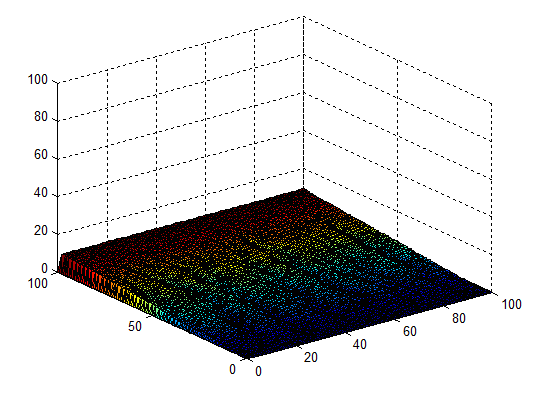
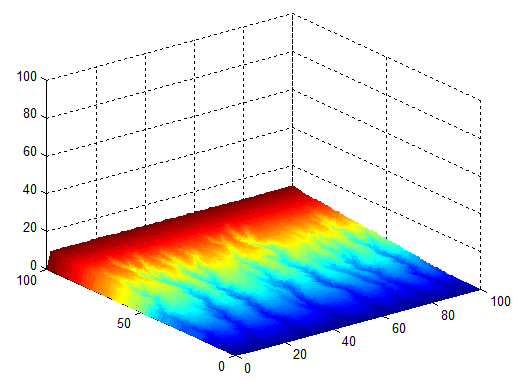
plot without mesh lines:


shading flat;  % remove the black mesh lines


Saturday, August 4, 2012

histc, histogram count

http://www.mathworks.com/help/techdoc/ref/histc.html

n = histc(x,edges) counts the number of values in vector x that fall between the elements in the edges vector (which must contain monotonically nondecreasing values). n is a length(edges) vector containing these counts

Very useful. Plot histogram points instead of bar graph. Need to calculate bin centers and use as x values. Divide the result of histc by the length(x) to get the y values. Plot.

Friday, July 6, 2012

illustrator shortcuts

After decades of using Illustrator in a dumb way (okay maybe only 1.4 decades), I learned a few key points.

  • If tracing an original, make it a layer, name it, and lock it.
  • Make a new layer, name it, and draw on it. 
  • Use shortcut Z, zoom
  • Use shortcut V, arrow
  • Use shortcut [space], hand
  • Use the different "corner" options (near the stroke box) so they're not pointy or pointy.
I think that's all.